antd
An enterprise-class UI design language and React components implementation
About
An enterprise-class UI design language and React components implementation
What detecting antd tells you about a site
antd (Ant Design) reveals an enterprise-leaning UI — dense data tables, forms and admin layouts — built on the component library that dominates in that space, especially across Chinese tech and B2B dashboards. Its presence usually signals an internal tool or data-heavy product rather than a marketing site.
Why the exact antd version matters
Ant Design v5 switched to CSS-in-JS with design tokens, a major change from v4's Less-based theming. The exact version tells you which theming system the app uses and how customisable the design tokens are.
antd in a real-world stack
When you find antd in a bundle, it rarely travels alone. dayjs (antd's date dependency), and the rc-* primitives it builds on.
Quick facts
npm install antdThis package powers Ant Design
The antd package is the canonical implementation of Ant Design. Sourcemap Explorer uses this exact npm package as the framework-level fingerprint when it flags Ant Design on a page — both via the bundled node_modules/antd/ source paths and via the embedded package.json inside the JavaScript sourcemap.
Common pairings
Packages this one expects to find in the same project. Each is also a Sourcemap Explorer detection target.
What antd pulls in
antd declares 48 direct dependencies — each one also rides into any bundle that ships antd, so they are detection targets too. Reading them is a quick way to understand the package's real footprint (first 30 shown).
How Sourcemap Explorer detects antd
antd ships as v6.6.0, published 2026-08-10 and carries 48 direct dependencies, 2 peer dependencies (react, react-dom), 938 versions on the registry. Those exact numbers are the footprint Sourcemap Explorer matches when antd rides inside a deployed bundle — here is how the detection works.
We catch antd from two complementary signals: bundled source paths and the embedded package.json. Modern bundlers (webpack, Vite, esbuild, Rollup, Turbopack) preserve the original node_modules/antd/ paths inside the JavaScript sourcemap's sources[] array — that's the canonical signal. When the matching package.json is also captured in sourcesContent[], we read the exact version field — patch number included. No regex guessing, no version inference.
- 1
Confirm the site exposes sourcemaps
In DevTools Network, check the response headers of any application script for `SourceMap` or `X-SourceMap`. Failing that, fetch the script's last 4 KB and look for a `//# sourceMappingURL=` comment — that map is where the `antd` paths live.
- 2
Find the package in the bundle
Open DevTools → Network → reload. Click any application script and look at its sourcemap. Inside, search `sources[]` for entries matching `node_modules/antd/` — every match confirms the package is bundled. The matching `sourcesContent[i]` for `node_modules/antd/package.json` gives you the exact installed version.
- 3
Read the version directly from package.json
Run `jq -r '. as $m | $m.sources | to_entries[] | select(.value | endswith("node_modules/antd/package.json")) | $m.sourcesContent[.key] | fromjson | .version' bundle.js.map`. Sourcemap Explorer automates the same query in the popup.
Major releases of antd
When each major version first landed. Major bumps are where breaking changes live, so this timeline is the fastest way to date the antd version a site actually ships against the ecosystem.
Recent versions
antd README
Live mirror of the GitHub README, for reference. Updated whenever the repo's default branch changes.

Ant Design
An enterprise-class UI design language and React UI library.









Changelog · Report Bug · Request Feature · English · 中文
❤️ Sponsors 
 |  |  |  |
|---|
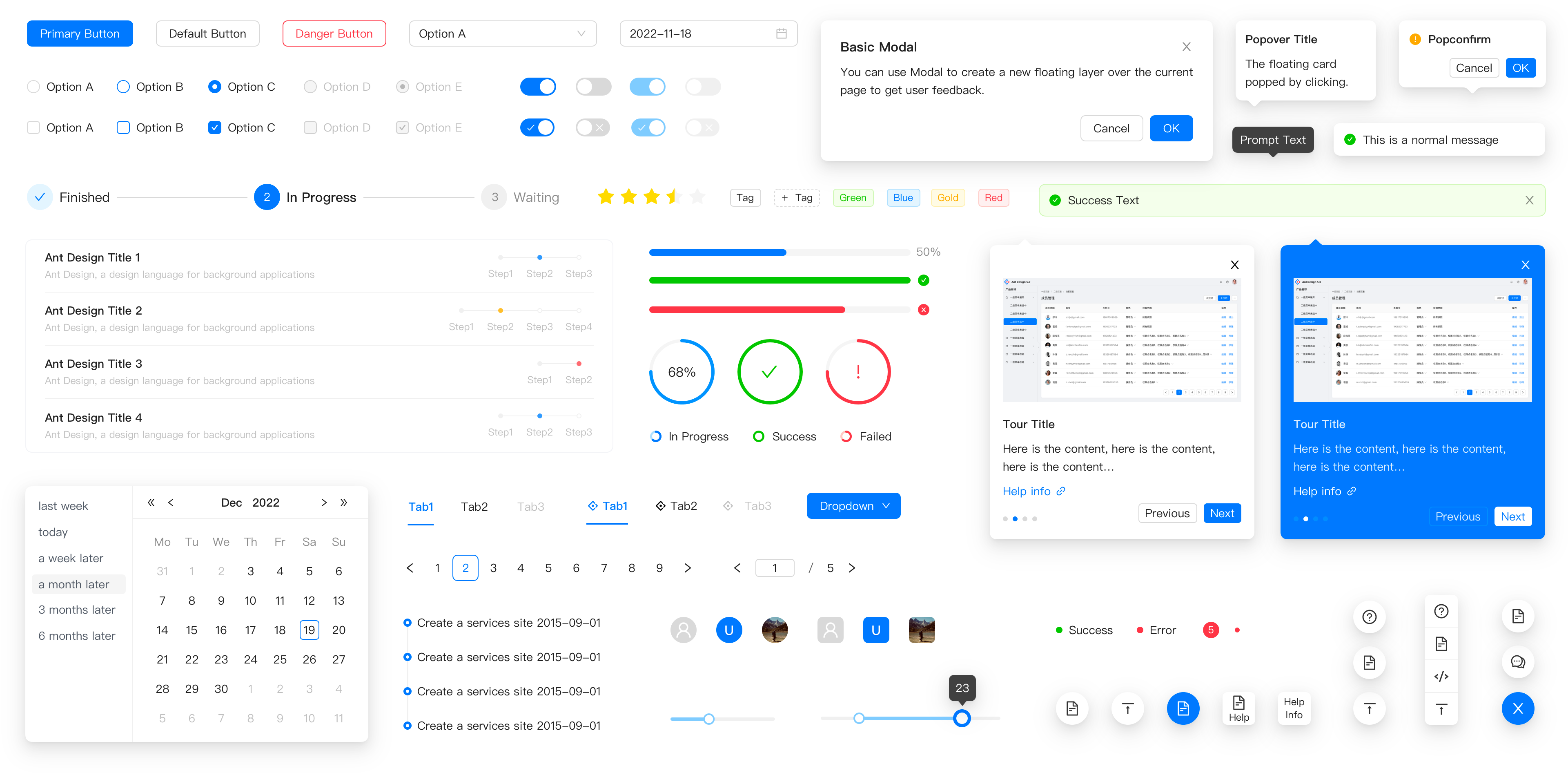
✨ Features
- 🌈 Enterprise-class UI designed for web applications.
- 📦 A set of high-quality React components out of the box.
- 🛡 Written in TypeScript with predictable static types.
- ⚙️ Whole package of design resources and development tools.
- 🌍 Internationalization support for dozens of languages.
- 🎨 Powerful theme customization based on CSS-in-JS.
🖥 Environment Support
- Modern browsers
- Server-side Rendering
- Electron
 Edge |  Firefox |  Chrome |  Safari |  Electron |
|---|---|---|---|---|
| Edge | last 2 versions | last 2 versions | last 2 versions | last 2 versions |
📦 Install
npm install antd
yarn add antd
pnpm add antd
bun add antd
🔨 Usage
import { Button, DatePicker } from 'antd';

export default () => (
  <>
    <Button type="primary">PRESS ME</Button>
    <DatePicker placeholder="select date" />
  </>
);
🔗 Links
- Home page
- Components Overview
- Sponsor
- Change Log
- rc-components
- 🆕 Ant Design X
- Ant Design Pro
- Pro Components
- Ant Design Mobile
- Ant Design Mini
- Ant Design Charts
- Ant Design Web3
- Landing Pages
- Ant Motion
- Scaffold Market
- Developer Instruction
- Versioning Release Note
- FAQ
- Online Playground for bug reports
- Customize Theme
- How to Apply for Being A Collaborator
⌨️ Development
Use opensumi.run, a free online pure front-end dev environment.

Or clone locally:
$ git clone git@github.com:ant-design/ant-design.git
$ cd ant-design
$ npm install
$ npm start
Open your browser and visit http://127.0.0.1:8001, see more at Development.
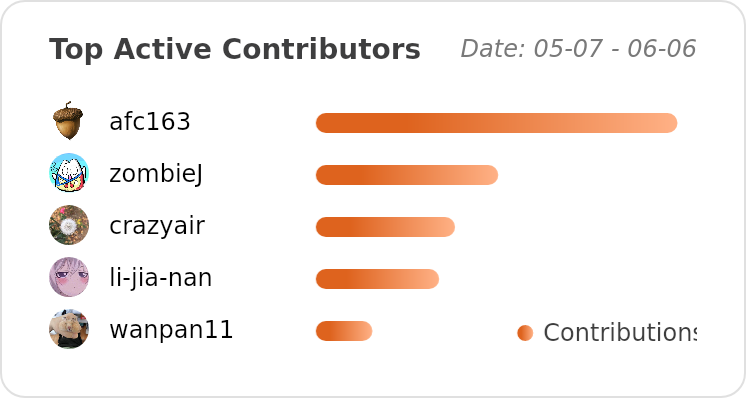
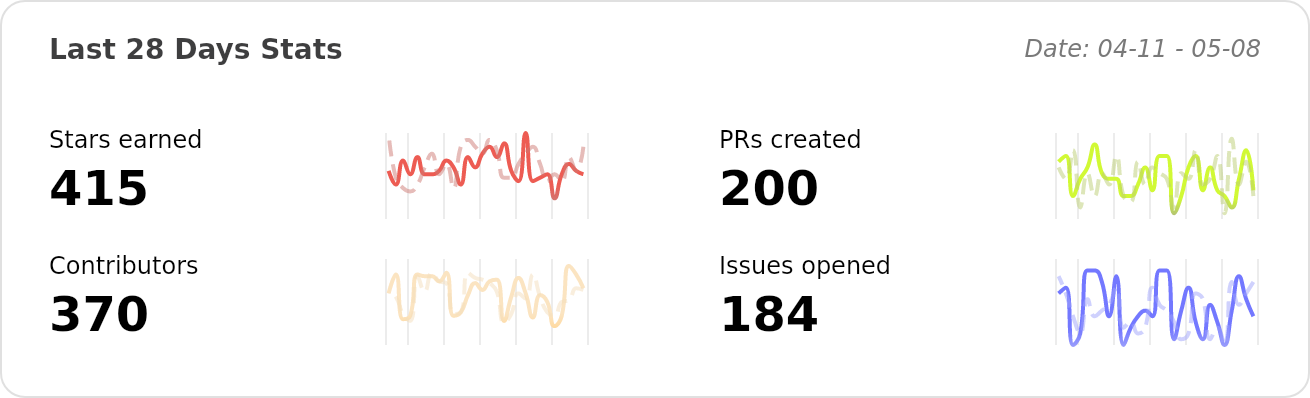
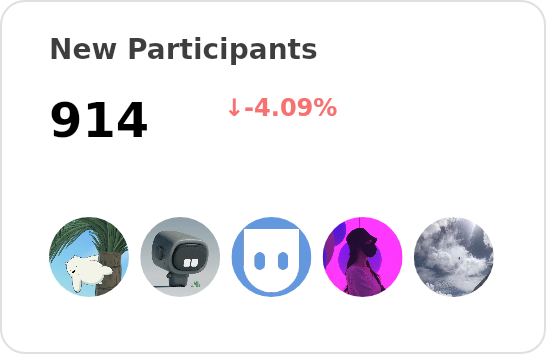
🤝 Contributing 
|
|
|
Let's build a better antd together.
We warmly invite contributions from everyone. Before you get started, please take a moment to review our Contribution Guide. Feel free to share your ideas through Pull Requests or GitHub Issues. If you're interested in enhancing our codebase, explore the Development Instructions and enjoy your coding journey! :)
For collaborators, adhere to our Pull Request Principle and utilize our Pull Request Template when creating a Pull Request.
Issue funding
We use Issuehunt to up-vote and promote specific features that you would like to see and implement. Check our backlog and help us:

❤️ Backers 

FAQ
What is antd used for?
An enterprise-class UI design language and React components implementation
How can I tell if a website is using antd?
Open the page in Chrome with the Sourcemap Explorer extension installed and read the Stack tab. We catch `antd` from two complementary signals: `node_modules/antd/` paths inside the JavaScript sourcemap, and the embedded `package.json` we read for exact-version detection. Without the extension you can do the same lookup manually in DevTools — the steps are listed in the "How Sourcemap Explorer detects" section above.
How do I find out which version of antd a website is running?
Read it straight from the site's JavaScript sourcemap. When a build ships source maps, the bundled `antd/package.json` carries the exact `version` string — Sourcemap Explorer extracts it in one click on the Stack tab, and you can do it by hand in DevTools by opening the `.map` file and searching for `node_modules/antd/package.json`. That is far more reliable than inferring the version from an asset-hash or a `?ver=` query string, which is all surface-level detectors have to go on. The current npm release is 6.6.0, but real deployments frequently run an older pinned version — which is exactly why reading the bundled number matters.
What is the latest version of antd?
6.6.0, as published on the npm registry. The "Recent versions" table on this page lists the most recent 8 releases with their release dates. Sourcemap Explorer reports the version actually bundled into a site, which can lag the latest release by months on real-world deployments.
Is antd actively maintained?
Very actively maintained — the last release shipped within the past three months. The last published release was 2026-08-10. Source code: https://github.com/ant-design/ant-design.
What is the relationship between antd and Ant Design?
antd is the canonical npm package for Ant Design. Sourcemap Explorer treats finding `antd` in a bundle as the framework-level signal that Ant Design is on the page, and the page you're reading is the canonical Sourcemap Explorer entry for the package itself.
Where can I read more?
Project homepage: https://ant.design. Source code: https://github.com/ant-design/ant-design. Published on npm: https://www.npmjs.com/package/antd. Licensed as MIT.
Keep reading on Sourcemap Explorer
Practical guides
Detection deep dives
Alternative tools
Detected by Sourcemap Explorer
When a bundle ships sourcemaps, we read the embedded package.json for antd and report the precise version (the registry's latest is v6.6.0, published 2026-08-10; the bundled copy is often older). Without sourcemaps, an import / require in the page's scripts is enough to flag it.