

About WooCommerce
WooCommerce is the open-source ecommerce platform for WordPress.
Our core platform is free, flexible, and amplified by a global community. The freedom of open-source means you retain full ownership of your store’s content and data forever.
Whether you’re launching a business, taking brick-and-mortar retail online, or developing sites for clients, use WooCommerce for a store that powerfully blends content and commerce.
- Create beautiful, enticing storefronts with themes suited to your brand and industry.
- Increase revenue with an optimized shopping cart experience that converts.
- Customize product pages in minutes using modular product blocks.
- Showcase physical and digital goods, product variations, custom configurations, instant downloads, and affiliate items.
- Sell subscriptions, bookings, or memberships, with our developer-vetted extensions.
- Rise to the top of search results by leveraging WordPress’ SEO advantage.
- Build on a platform that scales. Get flexible ecommerce for high-volume stores.
ALL THE TOOLS YOU NEED TO SELL
Built-in tools and popular integrations help you efficiently manage your business operations. Many services are free to add with a single click via the optional Setup Wizard.
- Choose how you want to get paid. Conveniently manage payments from the comfort of your store with WooPayments (Available in the U.S., U.K., Ireland, Australia, New Zealand, Canada, Spain, France, Germany, and Italy). Securely accept credit cards, mobile wallets, bank transfers, and cash thanks to 100+ payment gateways – including Stripe, PayPal, and Square.
- Configure your shipping options. Print USPS labels right from your dashboard and even schedule a pickup with WooCommerce Shipping (U.S.-only). Connect with well-known carriers such as UPS and FedEx – plus a wide variety of delivery, inventory, and fulfillment solutions for your locale.
- Simplify sales tax. Add WooCommerce Tax or similar integrated services to make automated calculations a reality.
Grow your business, add features, and monitor your store on the go
WooCommerce means business. Keep tabs on the performance metrics most important to you with a powerful and flexible central dashboard built into WooCommerce.
Expand your audience across marketing and social channels with Google Ads, HubSpot, Mailchimp, and Facebook integrations. You can always check out the in-dashboard Marketing Hub for fresh ideas and tips to help you succeed.
Enhance store functionality with hundreds of free and paid extensions from the WooCommerce Marketplace. Our developers vet each new extension and regularly review existing extensions to maintain Marketplace quality standards. We are actively looking for products that help store builders create successful stores.
Manage your store from anywhere with the free WooCommerce mobile app (Android and iOS). Spoiler alert: Keep an ear out for the slightly addictive “cha-ching” notification sound each time you make a new sale!
Own and control your store data – forever
With WooCommerce, your data belongs to you. Always.
If you opt to share usage data with us, you can feel confident knowing that it’s anonymized and kept secure. Choose to opt-out at any time without impacting your store.
Unlike hosted ecommerce solutions, WooCommerce store data is future-proof; you’re free to export all your content and take your site to any platform you choose. No restrictions.
Why developers choose (and love) WooCommerce
Developers can use WooCommerce to create, customize, and scale a store to meet a client’s exact specifications, making enhancements through extensions or custom solutions.
- Leverage hooks and filters to modify or create functionality.
- Integrate virtually any service using a robust REST API and webhooks.
- Design and build custom content blocks with React.
- Inspect and modify any aspect of the core plugin code.
- Speed up development with a lightning-fast CLI.
The core platform is tested rigorously and often, supported by a dedicated development team working across time zones. Comprehensive documentation is updated with each release, empowering you to build exactly the store required.
Be part of our growing international community
WooCommerce has a large, passionate community dedicated to helping merchants succeed – and it’s growing fast.
There are WooCommerce Meetups in locations around the world that you can attend for free and even get involved in running. These events are a great way to learn from others, share your expertise, and connect with like-minded folks.
WooCommerce also has a regular presence at WordCamps across the globe – we’d love to meet you.
Contribute and translate
WooCommerce is developed and supported by Automattic, the creators of WordPress.com and Jetpack. We also have hundreds of independent contributors, and there’s always room for more. Head to the WooCommerce GitHub Repository to find out how you can pitch in.
WooCommerce is translated into multiple languages, including Danish, Ukrainian, and Persian. Help localize WooCommerce even further by adding your locale – visit translate.wordpress.org.
Connection to WooCommerce.com
You can connect your store to WooCommerce.com to manage your subscriptions on WooCommerce Marketplace and receive product updates without leaving WordPress admin. Connection also enables installation of purchased products right from WooCommerce.com and streamlines access to technical support. If you’d like to learn about what data is gathered and how it is used, please refer to our Privacy Policy.
What detecting WooCommerce tells you about a site
WooCommerce turns a WordPress site into a store, so finding `/wp-content/plugins/woocommerce/` is the single clearest signal that you're looking at WordPress-based e-commerce rather than Shopify, BigCommerce or a custom cart. It brings its own database tables, REST routes under `/wp-json/wc/`, and a predictable set of cart/checkout scripts and body classes (`woocommerce-page`).
Why it matters that a site runs WooCommerce
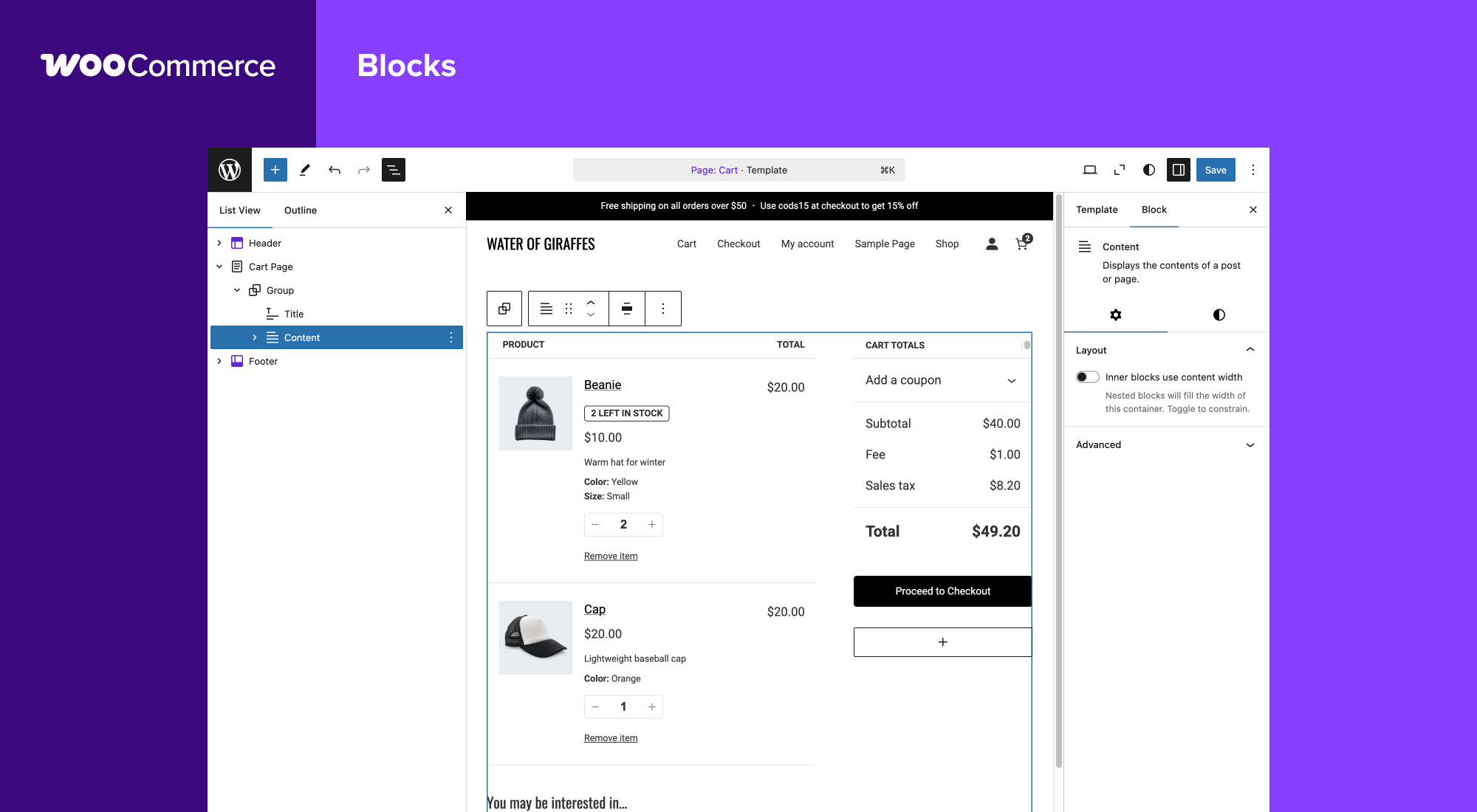
The WooCommerce version gates which checkout architecture the store uses — the block-based Cart/Checkout shipped and matured across recent majors, so the exact version tells you whether you're seeing modern blocks or the legacy shortcode flow. It also frames which payment, shipping and subscription extensions can be installed, since those track WooCommerce's own compatibility line.
WooCommerce in a real-world stack
When you find WooCommerce on a site, it rarely travels alone. A payment gateway (Stripe, PayPal, Klarna), often a subscriptions or bookings extension, and a WooCommerce-aware SEO and caching layer (Yoast WooCommerce SEO, WP Rocket).
Quick facts
Contributors
Automattic, WooCommerce, Mike Jolley, James Koster, Claudio Sanches, Rodrigo Primo, Peter Fabian, Vedanshu - Urumi.AI, Julia Amosova, obliviousharmony, Néstor Soriano Vilchez, sadowski, Ron Rennick, royho, Barry, Claudiu Lodromanean, Tiago Noronha, Kelly Choyce-Dwan, levinmedia, Albert Juhé Lluveras, Darren Ethier (nerrad), Joshua Wold, Nadir Seghir, Rua Haszard, Michael P. Pfeiffer, Niels Lange, Raluca, tjcafferkey, danielwrobert, patriciahillebrandt, albarin, Tung Du, Manish Menaria, Karol Manijak, sunyatasattva (a11n), Alexandre Lara, Luigi Teschio, Danny Dudzic, Sam, Alex Florisca, opr18, tarunvijwani, Paulo Arromba, Saad T., Boro Sitnikovski, Gerhard Potgieter, Corey McKrill, Jorge A. Torres, Leif Singer, Ján Mikláš
Also catalogued by Sourcemap Explorer's tech database
WooCommerce is one of the WordPress plugins with a Wappalyzer fingerprint, which means Sourcemap Explorer detects it from the framework-level signals as well as the WordPress-specific /wp-content/plugins/woocommerce/ asset path. This page is the canonical entry; a deep-dive on the detection signals lives in the dedicated guide below.
How Sourcemap Explorer detects WooCommerce
WooCommerce sits at v11.1.2 with 7.0M+ active installs, a 4.5/5 rating from 4,825 reviews, tested up to WordPress 7.1.2. Its last wp.org update landed 2026-09-22 2:40pm GMT, and it has been on the directory since 2011-09-27. Whatever the install count, every site running it serves the plugin's files from the same predictable location — and that is the signal Sourcemap Explorer reads.
WordPress plugins all load assets from a predictable path: /wp-content/plugins/<slug>/. Sourcemap Explorer enumerates every such URL on the rendered page (script tags and stylesheets) and pulls the version from the ?ver= cache-buster query parameter when WordPress emits one. The slug is then cross-referenced against the wordpress.org plugin directory to attach the human-readable name, author, install count, rating and changelog you see on this page.
- 1
Find /wp-content/plugins/woocommerce/ in the Network tab
Open DevTools → Network → reload the page. Filter by "JS" or "CSS" and look for asset URLs starting with `/wp-content/plugins/woocommerce/`. Each match confirms the plugin is loading on the page. Sourcemap Explorer enumerates every plugin path automatically and lists each one in the popup's Stack tab.
- 2
Read the version from the ?ver= query string
WordPress appends the plugin version as a cache-busting query parameter to its asset URLs (`?ver=11.1.2`). Sourcemap Explorer pulls this version directly. The version on this page (11.1.2) is the latest published on wp.org — the version on a real site may lag.
- 3
Cross-reference with wp.org for human-readable metadata
Once the plugin slug is identified, fetch `https://api.wordpress.org/plugins/info/1.2/?action=plugin_information&request[slug]=woocommerce` to read the human-readable name, author, install count, rating and changelog. This page already does that for you.
Plugin ecosystem context
Part of the WordPress e-commerce ecosystem (WooCommerce, Easy Digital Downloads, MemberPress). These plugins frequently run their own client-side JavaScript and integrate with payment gateways like Stripe, PayPal and Klarna. Within that group, WooCommerce (7.0M+ active installs) is tagged ecommerce, online store, sell online, shop on wp.org.
Screenshots
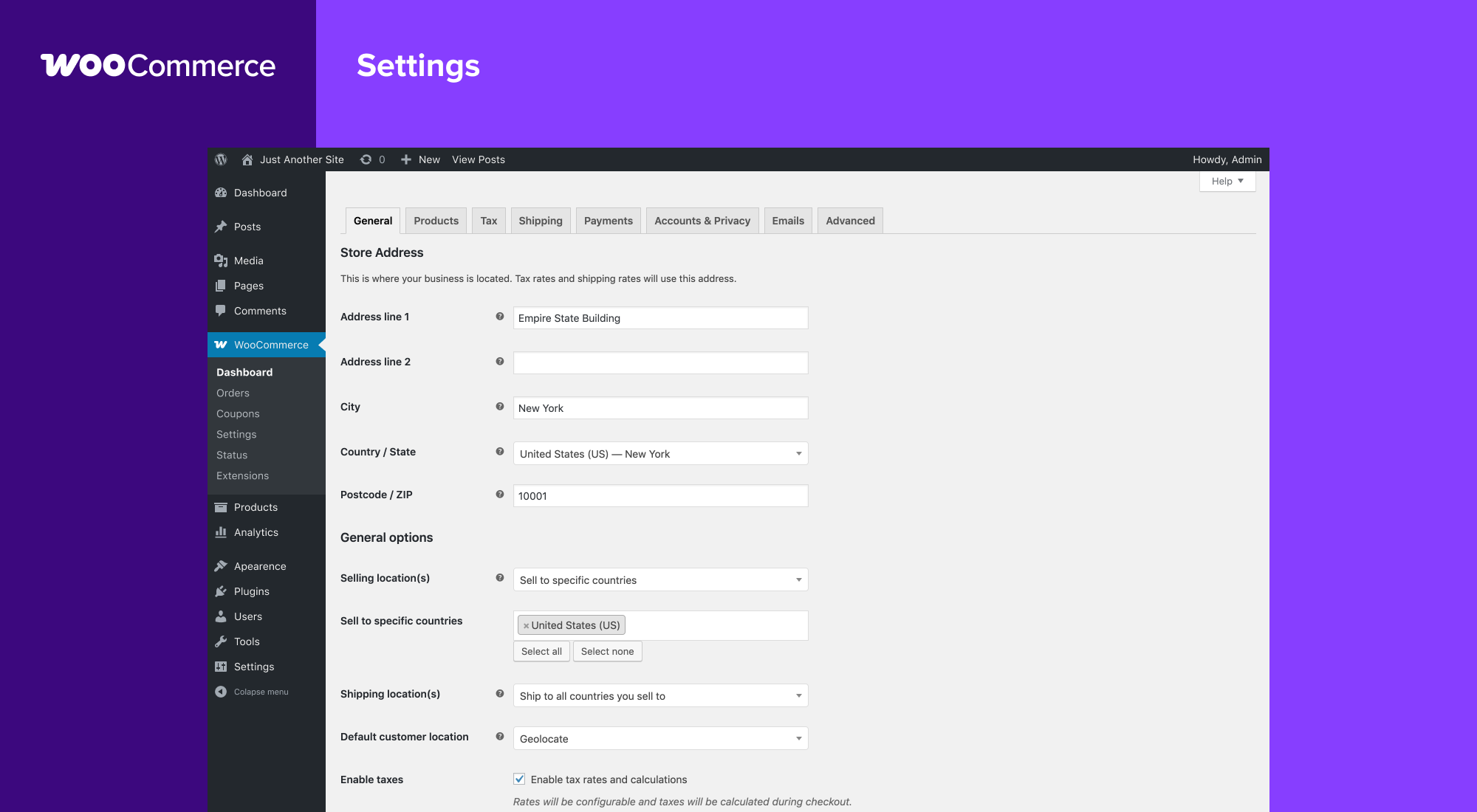
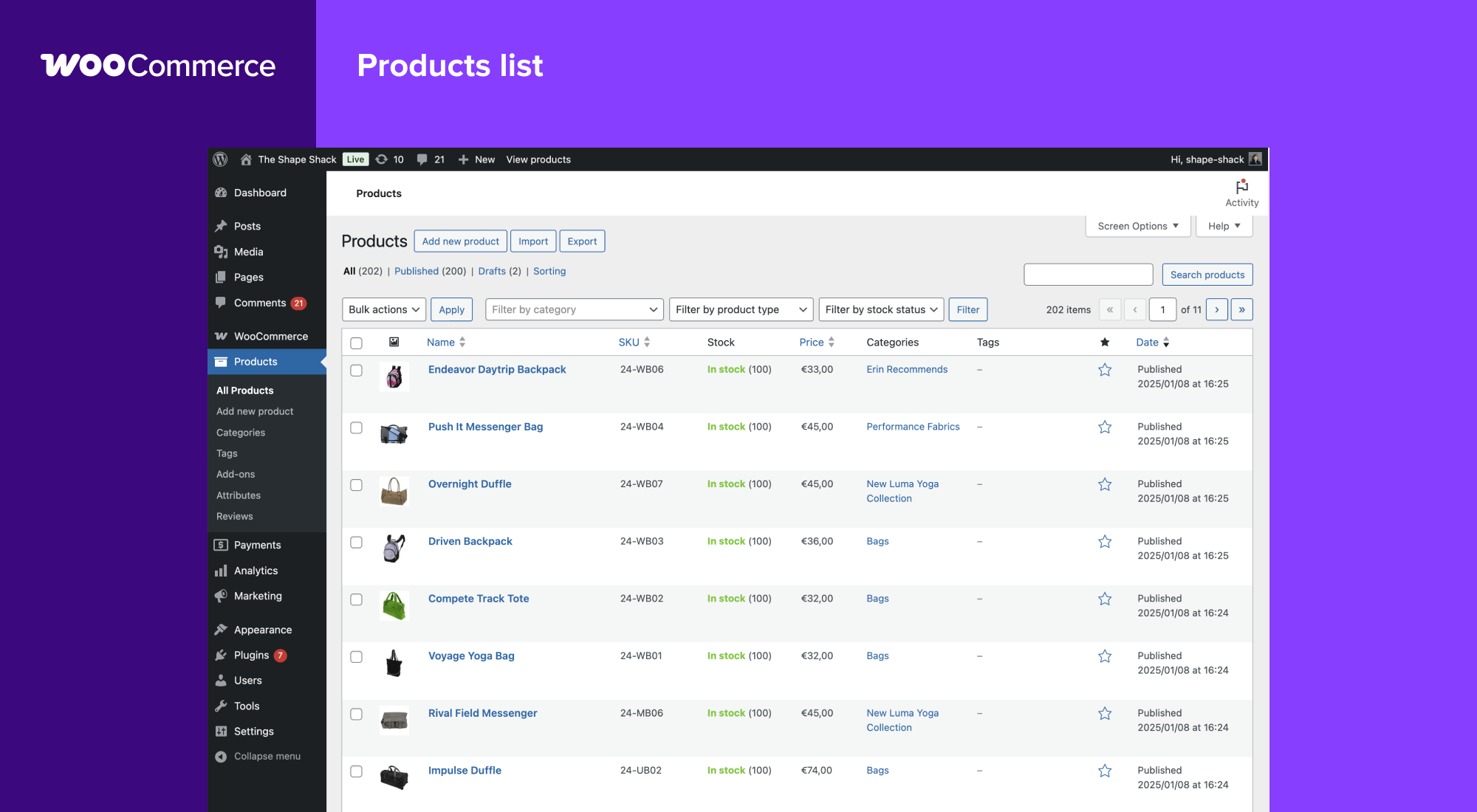

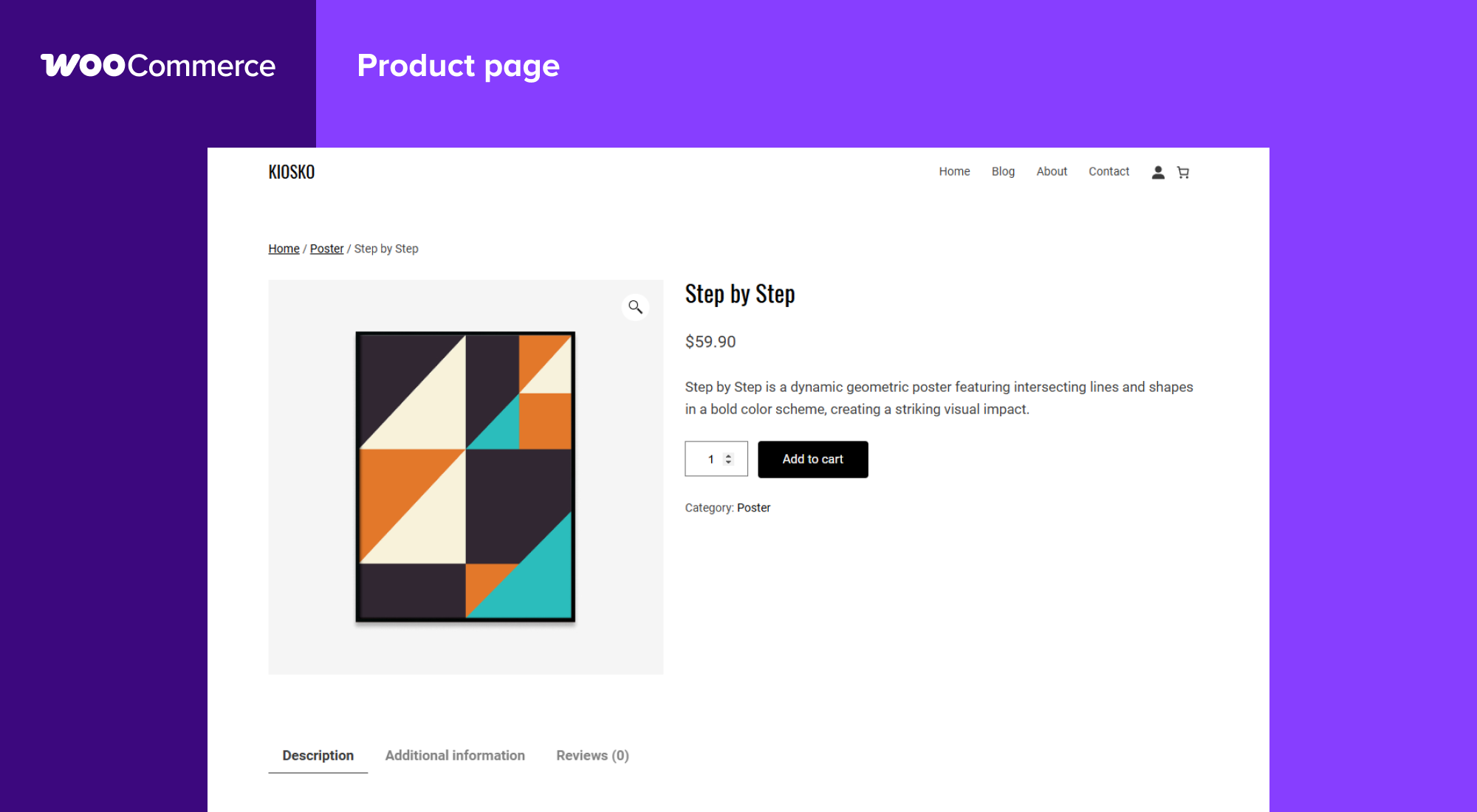
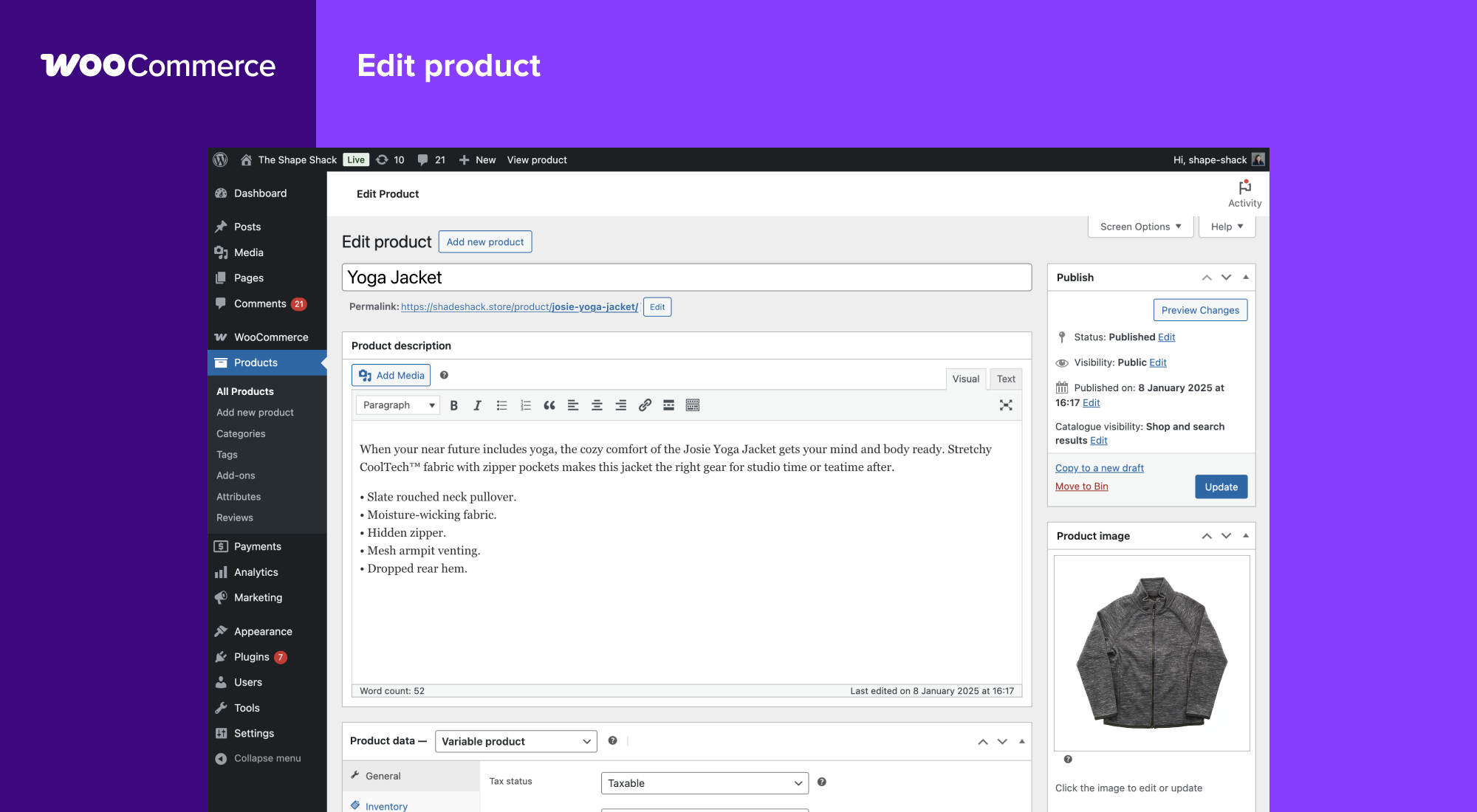
Installation
Minimum Requirements
- PHP 7.4 or greater is required (PHP 8.0 or greater is recommended)
- MySQL 5.5.5 or greater, OR MariaDB version 10.1 or greater, is required
- WordPress 7.0 or greater
- (Recommended) WordPress memory limit of 256 MB or greater.
- (Recommended) HTTPS support.
Automatic installation
Automatic installation is the easiest option — WordPress will handle the file transfer, and you won’t need to leave your web browser. To do an automatic install of WooCommerce, log in to your WordPress dashboard, navigate to the Plugins menu, and click “Add New.”
In the search field type “WooCommerce,” then click “Search Plugins.” Once you’ve found us, you can view details about it such as the point release, rating, and description. Most importantly of course, you can install it by! Click “Install Now,” and WordPress will take it from there.
Manual installation
Manual installation method requires downloading the WooCommerce plugin and uploading it to your web server via your favorite FTP application. The WordPress codex contains instructions on how to do this here.
Updating
Automatic updates should work smoothly, but we still recommend you back up your site.
If you encounter issues with the shop/category pages after an update, flush the permalinks by going to WordPress > Settings > Permalinks and hitting “Save.” That should return things to normal.
Sample data
WooCommerce comes with some sample data you can use to see how products look; import sample_products.xml via the WordPress importer. You can also use the core CSV importer or our CSV Import Suite extension to import sample_products.csv
FAQ
For help setting up and configuring WooCommerce, please refer to Getting Started and the New WooCommerce Store Owner Guide.
For extending or theming WooCommerce, see our documentation, as well as the Plugin Developer Best Practices.
If you get stuck, you can ask for help in the WooCommerce Support Forum by following these guidelines, reach out via the WooCommerce Community Slack, or post in the WooCommerce Community group on Facebook.
For assistance with paid extensions from the WooCommerce Marketplace: first, review our self-service troubleshooting guide. If the problem persists, kindly log a support ticket via our helpdesk. Our dedicated Happiness Engineers aim to respond within 24 hours.
First, troubleshoot common login issues using this helpful step-by-step guide. Still not working? Get in touch with us.
Yes! WooCommerce will work with any theme but may require some additional styling. If you’re looking for a theme featuring deep WooCommerce integration, we recommend Storefront.
We have a detailed guide on How To Update WooCommerce.
Start by diagnosing the issue using our helpful troubleshooting guide.
If you noticed the error after updating a theme or plugin, there might be compatibility issues between it and WooCommerce. If the issue appeared after updating WooCommerce, there could be a conflict between WooCommerce and an outdated theme or plugin.
In both instances, we recommend running a conflict test using Health Check (which allows you to disable themes and plugins without affecting your visitors) or troubleshooting the issue using a staging site.
Report bugs on the WooCommerce GitHub repository. You can also notify us via our support forum – be sure to search the forums to confirm that the error has not already been reported.
Request new features and extensions and vote on existing suggestions on our official feature request board. Our Product teams regularly review requests and consider them valuable for product planning.
Yes, you can! Join in on our GitHub repository and follow the development blog to stay up-to-date with everything happening in the project.
Extensive WooCommerce REST API Documentation is available.
Check out Frequently Asked Questions for more.
Changelog
Keep reading on Sourcemap Explorer
Practical guides
Detection deep dives
Alternative tools
Detected by Sourcemap Explorer
We enumerate every /wp-content/plugins/woocommerce/ path on the page, and pull the version from the ?ver= query string when WordPress emits one (wp.org currently lists v11.1.2, updated 2026-09-22 2:40pm GMT).