
react-i18next
Internationalization for react done right. Using the i18next i18n ecosystem.
About
Internationalization for react done right. Using the i18next i18n ecosystem.
What detecting react-i18next tells you about a site
Spotting react-i18next is a clear sign the product is internationalised: it serves multiple languages and someone built that in as a first-class concern rather than an afterthought. It is the React binding for the i18next ecosystem, so its presence implies translation namespaces, interpolation, pluralisation rules and likely a backend or set of JSON files supplying locale strings. Finding it tells you the audience is multi-region, and often that the company has localisation infrastructure and possibly a translation-management workflow behind the scenes. It is one of the most reliable tells that a site speaks more than one language to its users.
Why the exact react-i18next version matters
react-i18next tracks the core i18next versions and React's evolution closely; the move to hooks like useTranslation and later Suspense-based loading of translations changed how locale strings get fetched and rendered. The major version tells you whether the app uses the modern hook and Suspense patterns or the older higher-order-component and render-prop style of wiring translations in.
react-i18next in a real-world stack
When you find react-i18next in a bundle, it rarely travels alone. i18next core always, plus plugins like i18next-http-backend and i18next-browser-languagedetector.
Quick facts
npm install react-i18nextCommon pairings
Packages this one expects to find in the same project. Each is also a Sourcemap Explorer detection target.
What react-i18next pulls in
react-i18next declares 3 direct dependencies — each one also rides into any bundle that ships react-i18next, so they are detection targets too. Reading them is a quick way to understand the package's real footprint .
How Sourcemap Explorer detects react-i18next
react-i18next ships as v17.0.11, published 2026-07-22 and carries 3 direct dependencies, 3 peer dependencies (react, i18next, typescript), 384 versions on the registry. Those exact numbers are the footprint Sourcemap Explorer matches when react-i18next rides inside a deployed bundle — here is how the detection works.
We catch react-i18next from two complementary signals: bundled source paths and the embedded package.json. Modern bundlers (webpack, Vite, esbuild, Rollup, Turbopack) preserve the original node_modules/react-i18next/ paths inside the JavaScript sourcemap's sources[] array — that's the canonical signal. When the matching package.json is also captured in sourcesContent[], we read the exact version field — patch number included. No regex guessing, no version inference.
- 1
Confirm the site exposes sourcemaps
In DevTools Network, check the response headers of any application script for `SourceMap` or `X-SourceMap`. Failing that, fetch the script's last 4 KB and look for a `//# sourceMappingURL=` comment — that map is where the `react-i18next` paths live.
- 2
Find the package in the bundle
Open DevTools → Network → reload. Click any application script and look at its sourcemap. Inside, search `sources[]` for entries matching `node_modules/react-i18next/` — every match confirms the package is bundled. The matching `sourcesContent[i]` for `node_modules/react-i18next/package.json` gives you the exact installed version.
- 3
Read the version directly from package.json
Run `jq -r '. as $m | $m.sources | to_entries[] | select(.value | endswith("node_modules/react-i18next/package.json")) | $m.sourcesContent[.key] | fromjson | .version' bundle.js.map`. Sourcemap Explorer automates the same query in the popup.
Major releases of react-i18next
When each major version first landed. Major bumps are where breaking changes live, so this timeline is the fastest way to date the react-i18next version a site actually ships against the ecosystem.
Recent versions
react-i18next README
Live mirror of the GitHub README, for reference. Updated whenever the repo's default branch changes.
react-i18next 




IMPORTANT:
Master Branch is the newest version using hooks (>= v10).
$ >=v10.0.0
npm i react-i18next
react-native: To use hooks within react-native, you must use react-native v0.59.0 or higher
For the legacy version please use the v9.x.x Branch
$ v9.0.10 (legacy)
npm i react-i18next@legacy
Advice:
If you don't like to manage your translation files manually or are simply looking for a better management solution, take a look at i18next-locize-backend. The i18next backend plugin for 🌐 Locize ☁️ — built by the same team behind react-i18next, with CDN delivery, AI translation, and no redeploys for copy changes.
Starting from a React app with hardcoded strings (e.g. generated with v0, Lovable or Cursor)? Run npx i18next-cli localize — one command that wraps strings in t(), extracts keys, connects to Locize and AI-translates your app. See the launch post.
Documentation
The documentation is published on react.i18next.com and PR changes can be supplied here.
The general i18next documentation is published on www.i18next.com and PR changes can be supplied here.
What will my code look like?
Before: Your react code would have looked something like:
...
<div>Just simple content</div>
<div>
  Hello <strong title="this is your name">{name}</strong>, you have {count} unread message(s). <Link to="/msgs">Go to messages</Link>.
</div>
...
After: With the trans component just change it to:
...
<div>{t('simpleContent')}</div>
<Trans i18nKey="userMessagesUnread" count={count}>
  Hello <strong title={t('nameTitle')}>{{name}}</strong>, you have {{count}} unread message. <Link to="/msgs">Go to messages</Link>.
</Trans>
...
📖 What others say
- How to properly internationalize a React application using i18next by Adriano Raiano
- I18n with React and i18next via Alligator.io by Danny Hurlburt
- Ultimate Localization of React (Mobx) App with i18next via itnext.io by Viktor Shevchenko
- Internationalization for react done right Using the i18next i18n ecosystem via reactjsexample.com
- How to translate React application with react-i18next via codetain.co by Norbert Suski
- Building i18n with Gatsby via gatsbyjs.org by Samuel Goudie
- Get your react.js application translated with style by Jan Mühlemann
- Translate your expo.io / react-native mobile application by Jan Mühlemann
- You're welcome to share your story...
Why i18next?
- Simplicity: no need to change your webpack configuration or add additional babel transpilers, just use create-react-app and go.
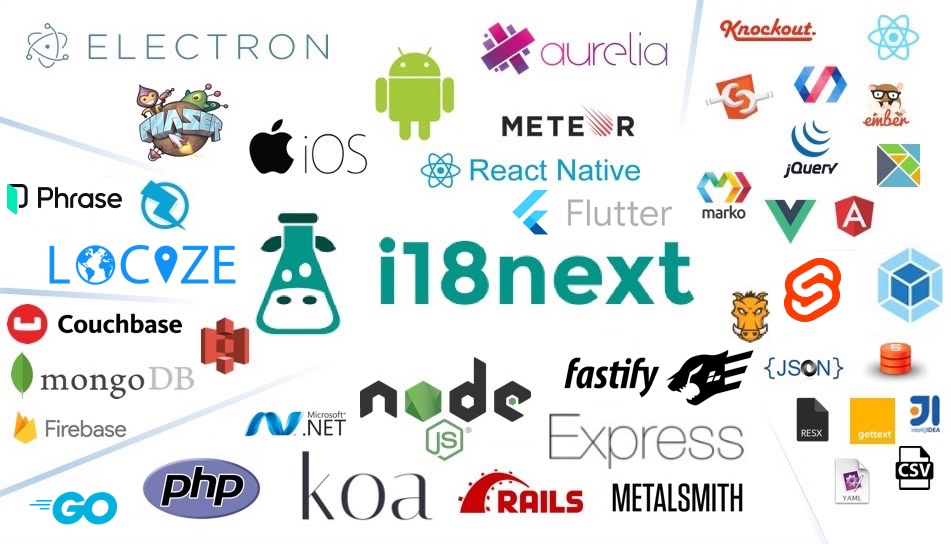
- Production ready we know there are more needs for production than just doing i18n on the clientside, so we offer wider support on serverside too (nodejs, php, ruby, .net, ...). Learn once - translate everywhere.
- Beyond i18n comes with Locize bridging the gap between development and translations - covering the whole translation process. Now with a Free plan for your side projects!
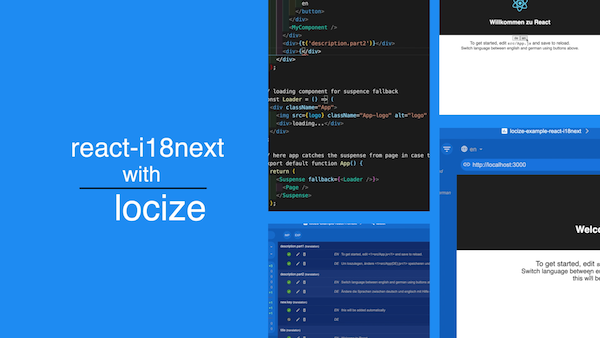
Localization workflow
Want to learn more about how seamless your internationalization and translation process can be?
Installation
Source can be loaded via npm or downloaded from this repo.
# npm package
$ npm install react-i18next
- If you don't use a module loader it will be added to
window.reactI18next
Do you like to read a more complete step by step tutorial?
Here you'll find a simple tutorial on how to best use react-i18next. Some basics of i18next and some cool possibilities on how to optimize your localization workflow.
Examples
v9 samples
- Example react
- Example preact
- Example react-native
- Example expo.io
- Example next.js
- Example razzle
- Example hashbase / beaker browser
- Example storybook
- Example locize.com
- Example test with jest
Requirements
- react >= 16.8.0
- react-dom >= 16.8.0
- react-native >= 0.59.0
- i18next >= 10.0.0 (typescript users: >=17.0.9)
v9
- react >= 0.14.0 (in case of < v16 or preact you will need to define parent in Trans component or globally in i18next.react options)
- i18next >= 2.0.0
Core Contributors
Thanks goes to these wonderful people (emoji key):


This project follows the all-contributors specification. Contributions of any kind are welcome!
Gold Sponsors

localization as a service - Locize
Needing a translation management? Want to edit your translations with an InContext Editor? Use the original provided to you by the maintainers of i18next!
Now with a Free plan for small projects! Perfect for hobbyists or getting started.
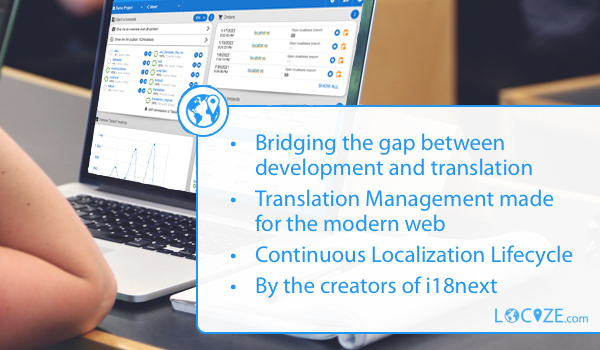
By using Locize you directly support the future of i18next and react-i18next.
FAQ
What is react-i18next used for?
Internationalization for react done right. Using the i18next i18n ecosystem.
How can I tell if a website is using react-i18next?
Open the page in Chrome with the Sourcemap Explorer extension installed and read the Stack tab. We catch `react-i18next` from two complementary signals: `node_modules/react-i18next/` paths inside the JavaScript sourcemap, and the embedded `package.json` we read for exact-version detection. Without the extension you can do the same lookup manually in DevTools — the steps are listed in the "How Sourcemap Explorer detects" section above.
How do I find out which version of react-i18next a website is running?
Read it straight from the site's JavaScript sourcemap. When a build ships source maps, the bundled `react-i18next/package.json` carries the exact `version` string — Sourcemap Explorer extracts it in one click on the Stack tab, and you can do it by hand in DevTools by opening the `.map` file and searching for `node_modules/react-i18next/package.json`. That is far more reliable than inferring the version from an asset-hash or a `?ver=` query string, which is all surface-level detectors have to go on. The current npm release is 17.0.11, but real deployments frequently run an older pinned version — which is exactly why reading the bundled number matters.
What is the latest version of react-i18next?
17.0.11, as published on the npm registry. The "Recent versions" table on this page lists the most recent 8 releases with their release dates. Sourcemap Explorer reports the version actually bundled into a site, which can lag the latest release by months on real-world deployments.
Is react-i18next actively maintained?
Very actively maintained — the last release shipped within the past three months. The last published release was 2026-07-22. Source code: https://github.com/i18next/react-i18next.
Where can I read more?
Project homepage: https://github.com/i18next/react-i18next. Source code: https://github.com/i18next/react-i18next. Published on npm: https://www.npmjs.com/package/react-i18next. Licensed as MIT.
Keep reading on Sourcemap Explorer
Detected by Sourcemap Explorer
When a bundle ships sourcemaps, we read the embedded package.json for react-i18next and report the precise version (the registry's latest is v17.0.11, published 2026-07-22; the bundled copy is often older). Without sourcemaps, an import / require in the page's scripts is enough to flag it.